
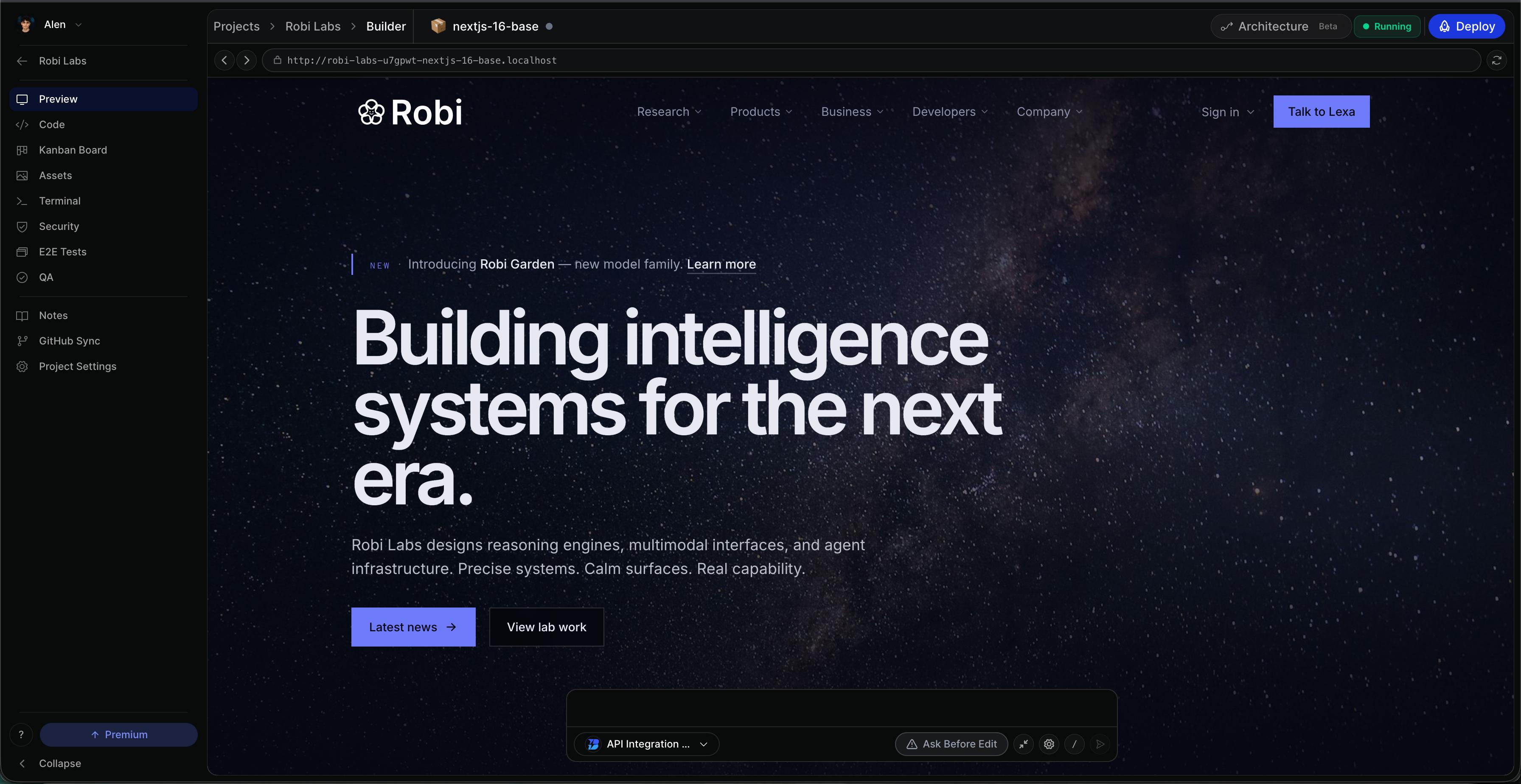
Bleenk helps you turn ideas into working software. Describe a job, drop in a file, and Bleenk builds agents, apps, and workflows that write code, use your tools, remember context, and keep going across long tasks in sandboxed environments.
Sign in at app.bleenk.app to get started. Everything runs on managed infrastructure — projects, sandboxes, storage, and deployments — so your team can focus on shipping.
Why Bleenk
Any model
Anthropic, OpenAI, Google, Meta, Mistral, Qwen, DeepSeek, xAI, and more. Bring your own API key or use Bleenk routing.
Learn moreSnapshot workspaces
Fork a running workspace in seconds. Instant snapshot, clone, and restore without copying entire environments.
Learn moreManaged cloud
No cluster to operate. Projects, sandboxes, and routing are hosted for you.
Learn morePublish as apps
Turn any workspace into a one-click installable app for your team or marketplace.
Learn moreAgent chat
Stream plans, tool calls, and approvals in one thread.
Full IDE
Editor, terminal, git, and hot-reload preview side by side.
Deploy graph
Wire containers to Vercel, AWS, or Cloudflare from the panel.
What you can build
Every shipped unit on Bleenk is an app: a UI, a chat bot, a scheduled job, a webhook, or an MCP tool other agents can call — all declared in one workspace.
Agents that work over time
Sandboxed runs, connected tools, session memory, and progressive saves so you can resume mid-task.
Full-stack applications
Frontend, backend, database, and workers in one isolated project namespace.
Scheduled automations
Describe schedules in plain language; Bleenk turns them into cron jobs and deliveries.
Chat and messaging bots
Deploy agents to Slack, Telegram, Discord, and other channels.
MCP tools for other agents
Publish a workspace as an MCP server for external coding tools.
How it works
Describe
Prompt or attach a spec
Build
Agent edits in the sandbox
Preview
Click through hot reload
Ship
Deploy or publish
- 1
Describe the job
Tell Bleenk what to build or attach a file. The agent plans work, wires tools, and asks clarifying questions.
- 2
Work in a real IDE
Editor, terminal, file tree, live preview with hot reload, and git — the agent sees what you see.
- 3
Run in sandboxes
Lightweight reasoning stays fast; full dev environments wake on demand and sleep when idle.
- 4
Ship anywhere
Connect deploy targets (Vercel, AWS, Cloudflare, Fly.io, and more) or publish as an installable app.
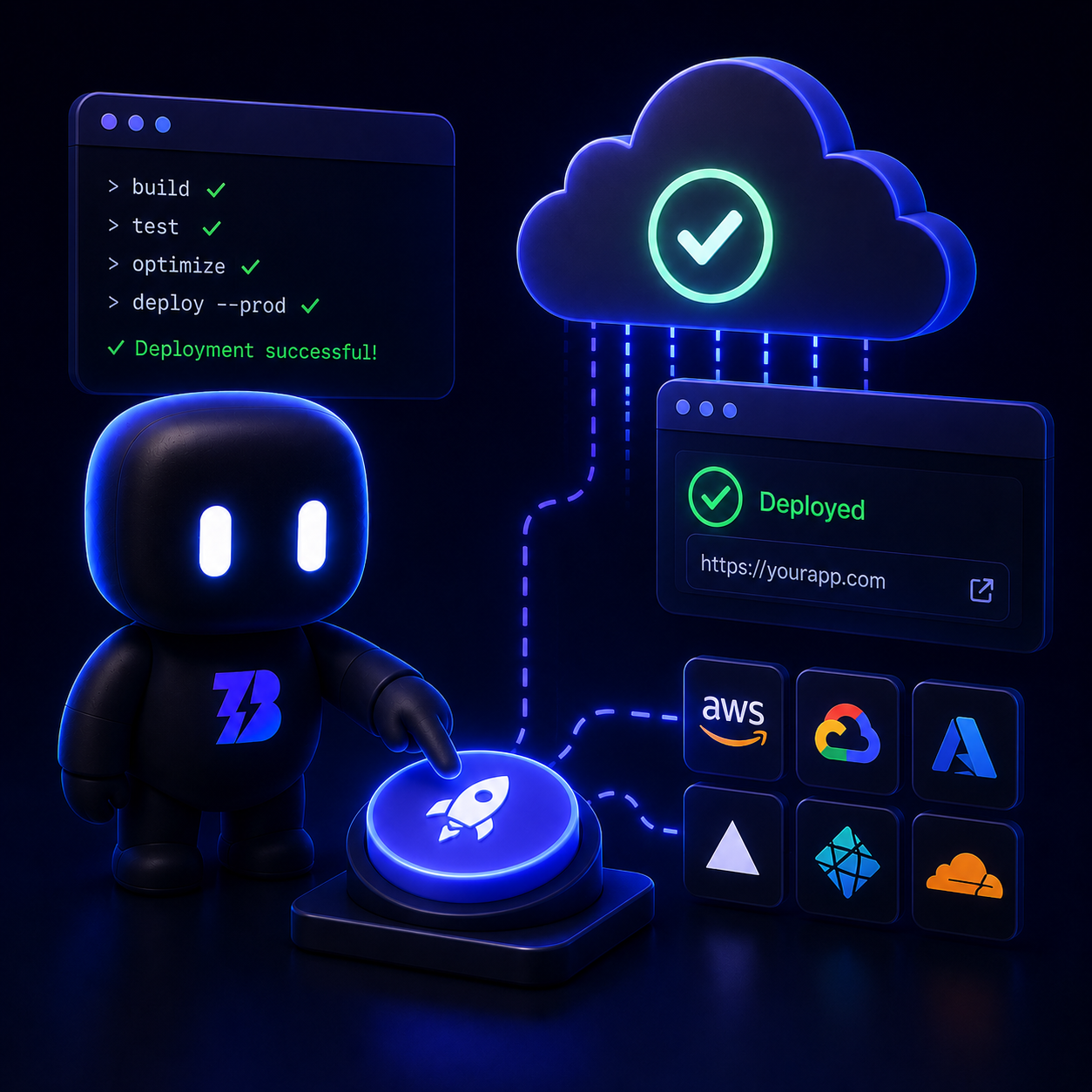
From sandbox to production
- Connect deploy credentials once per workspace
- Promote staging and production from the same graph
- Trigger deploys from chat, the panel, or the API
Next steps
Platform features
Full map of IDE, integrations, shipping, and account docs.
Learn moreQuickstart
Sign in and ship your first agent in five minutes.
Learn moreProjects
Templates, git import, or agent-scaffolded setup.
Learn moreAgents
Sessions, tools, approvals, and persistence.
Learn moreAPI reference
REST endpoints for automation and integrations.
Learn more