
The Architecture Panel is the source of truth for what your project runs: which containers exist, how they connect, where secrets flow, and where code deploys. You and the agent edit the same graph — when the agent adds Postgres and wires DATABASE_URL into the API, new nodes appear on the canvas in real time.
Node types
Container nodes
Frontend, API, workers, and data services — color-coded by role with status, port, and stack.
Browser preview nodes
Live iframe previews on the canvas with URL bar and refresh — mirror a running container.
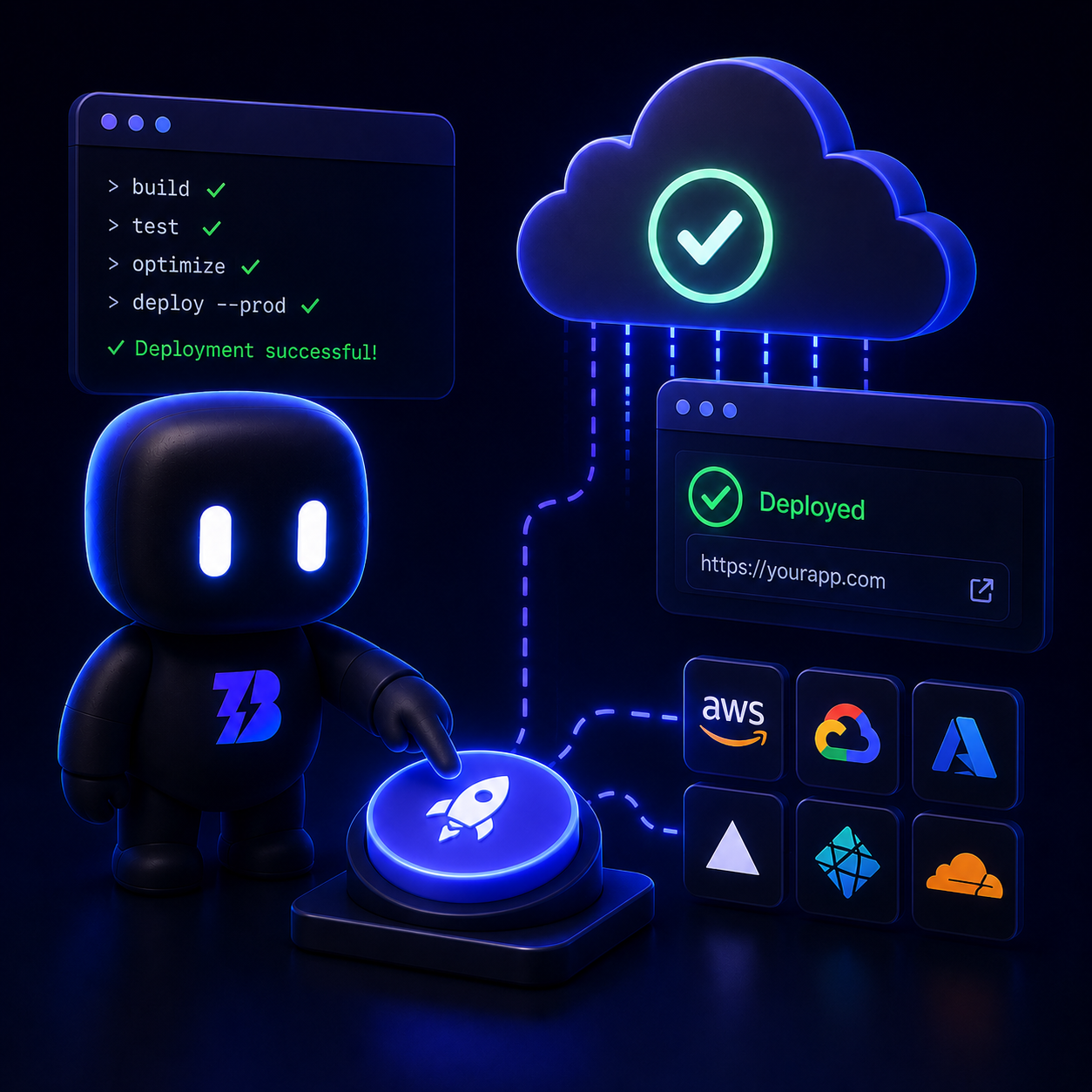
Deployment targets
Branded cards per provider with staging, production, and preview environments.
Hosted agent nodes
Agents packaged inside an app with configured prompts, tools, and model defaults.
Edge types
- Env injection — exports from one container become another’s environment variables
- HTTP API — service-to-service calls
- Database & cache — persistence and Redis-style dependencies
- Browser preview — container to preview window
- Deployment — container to external target
- Agent invokes — hosted agent to a service dependency
Agent-safe edits
Agents should mutate the graph through the setup API, not raw config writes — that keeps the database, file, and canvas in sync.
How you edit
- 1
Canvas
Drag from the marketplace sidebar, draw edges, reposition nodes — changes persist to project config.
- 2
Properties panel
Click a container to edit image, port, env vars, and startup command.
- 3
Agent tools
The agent applies validated graph updates in one transaction during a session.
Publishing an app serializes this graph into a manifest. When someone installs your app, they get the same topology with their credentials, volume, and billing.