
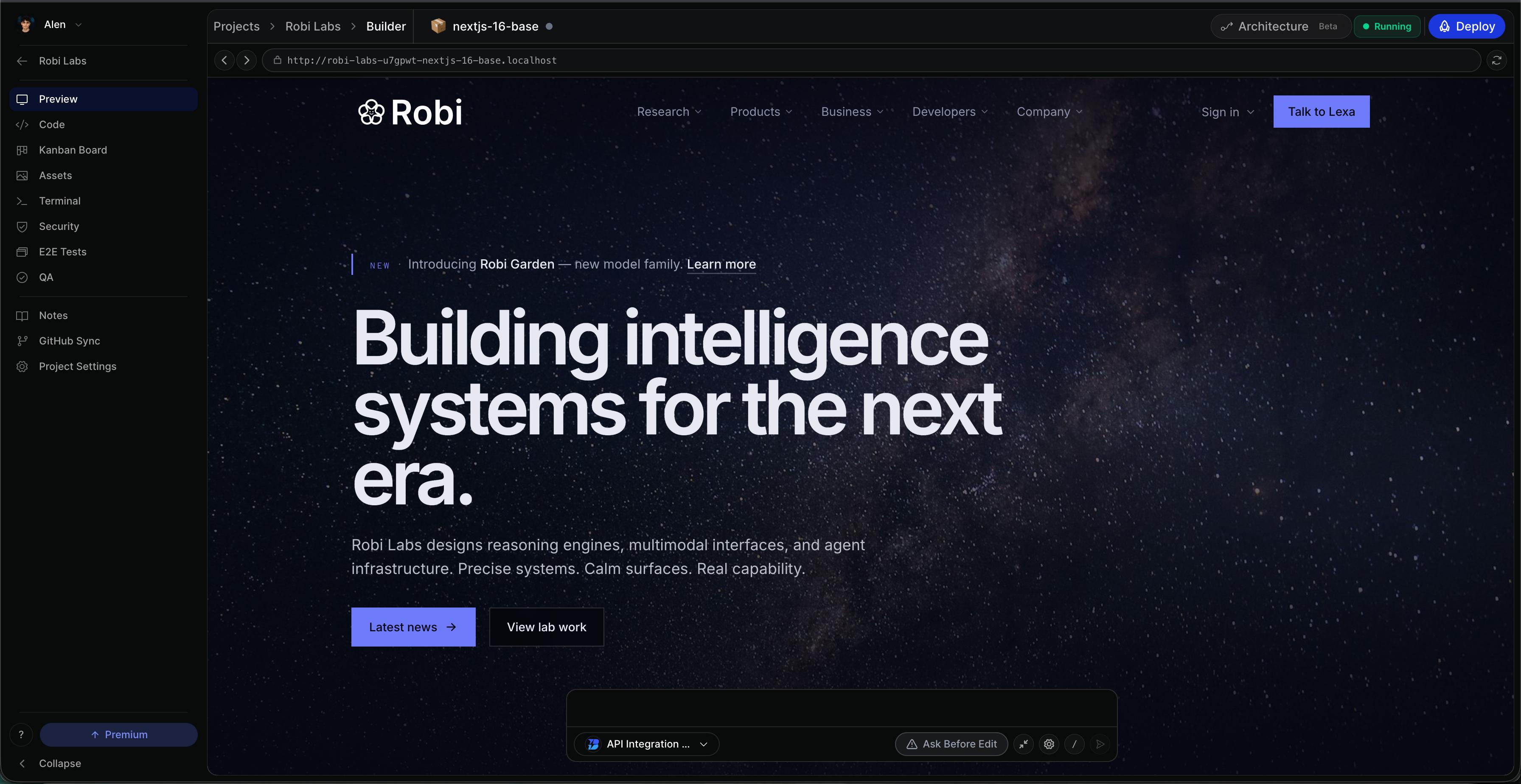
Every Bleenk project opens a full development environment in the browser — not a chat-only code dump. You get a real editor, shell, file tree, git UI, and live preview with hot module reload. Agents read and edit the same surfaces.
Code editor
Monaco editor
Syntax highlighting, autocomplete, and multi-language support.
File tree
Browse, create, and rename files — stays in sync with agent edits.
Find in files
Search across the project; agents use the same paths you see.
Terminal & git
Run builds, tests, and scripts in an integrated terminal scoped to the project sandbox. Commit, branch, and push from the git panel — or connect a remote via the Git guide.
Live preview
- Iframe preview with hot reload per dev-server container
- Preview nodes on the Architecture Panel for multi-service apps
- Responsive breakpoints to check mobile layouts
- Per-container URLs when frontend and API run separately
Design engineer
Click any element in the live preview to jump to the source line that rendered it. Inspect styles, use the insert palette, and iterate visually — the agent can follow the same selection context.
Preview not updating?
Refresh the preview panel and check dev-server logs in the terminal. For slow file watchers on mounted volumes, enable polling in your framework config.